Used first; paid features still need an entitlement
0
Basic free credits
AI Watermark Remover
Free Remove Watermark from Photo Online
Our AI watermark remover uses smart AI to quickly remove watermarks from your photos and images. Clean text marks, logos, timestamps, sample overlays, stickers, and repeated watermark patterns with ease. Simply upload your photo, let AI detect the marked area, and download a cleaner image in your browser.
Remove Watermark from Photo Free with an Online AI Tool
Use our online watermark remover to remove watermark from photo files without complicated software like Photoshop. Upload a JPG, PNG, WebP, or AVIF image, and AI can automatically detect visible watermark marks, logo overlays, text labels, timestamps, proof marks, and repeated patterns. You can also switch to Manual Brush when the watermark sits near a face, product edge, fabric, sky, or detailed background. This photo watermark remover is useful for ecommerce sellers, creators, marketers, designers, and anyone cleaning images they own or have permission to edit.
Before
After
Before
After
Clean Visible Watermark Marks Before You Reuse a Photo
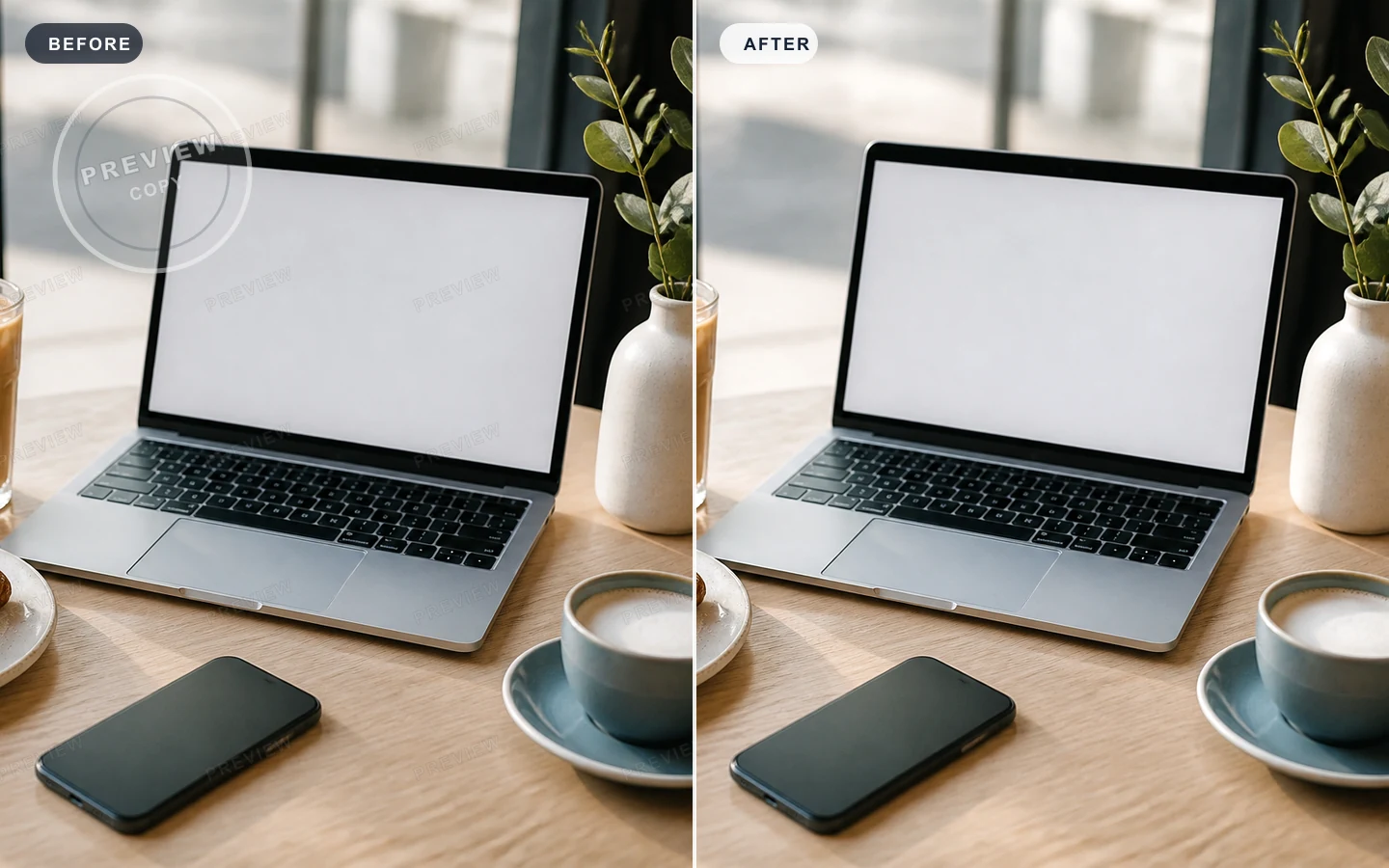
Use the photo preview to spot sample stamps, diagonal overlays, corner logos, and light text marks before an image goes into a listing, deck, or social post. AISuperRemover keeps the workflow simple: upload the file, review the marked area, and use the same focused cleanup flow when you need to erase text from an image or remove a watermark from a photo without rebuilding the design from scratch.
Brush Over the Exact Watermark You Want Gone
For watermarks that cross a product edge, sofa fabric, window light, or a portrait detail, select only the part that should disappear. The brush workflow gives you a steadier edit than cropping or blurring, and it also works as a smart eraser tool when the cleanup area needs a human eye before you download the final photo.
Before
After
Before
After
AI Watermark Remover with Smart Photo Detection
AISuperRemover is built for people searching how to remove watermark from photo online. AI Auto Mode can detect repeated overlays, logo marks, sample text, proof labels, and timestamps before cleanup starts. Whether you need to remove watermark from photo files, product visuals, or screenshots before reuse, the tool identifies the marked area first. For users looking to erase text from an image or remove unwanted labels, the same image watermark remover can help clean low contrast marks without a complex editor.
Manual Watermark Remover for Precise Photo Edits
When automatic detection is not enough, use Manual Brush to select the exact watermark area. This is useful for small logo corners, product photo labels, date stamps, proof marks, or text sitting over a face, product edge, fabric, sky, or background texture. It works like a focused watermark eraser and doubles as a smart eraser tool for images when you need precise control over what gets removed.
Before
After
WMARKWMARKWMARKWMARKWMARKWMARK
WMARKWMARKWMARKWMARKWMARKWMARK
WMARKWMARKWMARKWMARKWMARKWMARK
WMARKWMARKWMARKWMARKWMARKWMARK
WMARKWMARKWMARKWMARKWMARKWMARK
Remove stubborn watermarks from photos with better context
Some watermarks sit across faces, skies, clothing, product surfaces, or textured backgrounds, so a simple blur or crop can make the photo look unfinished. AISuperRemover uses surrounding color, texture, lighting, edges, and background detail to help remove watermarks from photos with natural context. It works well for travel photos, portraits, product images, and social visuals where the mark crosses an important area.
AI that helps detect what to erase from a photo
AI Auto Mode helps separate watermark text, logos, timestamps, proof labels, and repeated overlays from the real photo before cleanup begins. It looks for the visible mark, then uses nearby pixels to repair the selected area instead of forcing you to redraw the whole image. If the watermark is subtle, low contrast, or close to a face, product edge, or detailed texture, switch to Manual Brush and guide the cleanup yourself.
WARMARIWARMARIWARMARIWARMARIWARMARIWARMARI
WARMARIWARMARIWARMARIWARMARIWARMARIWARMARI
WARMARIWARMARIWARMARIWARMARIWARMARIWARMARI
WARMARIWARMARIWARMARIWARMARIWARMARIWARMARI
WARMARIWARMARIWARMARIWARMARIWARMARIWARMARI
🎉
See Results from an Online Photo Watermark Remover
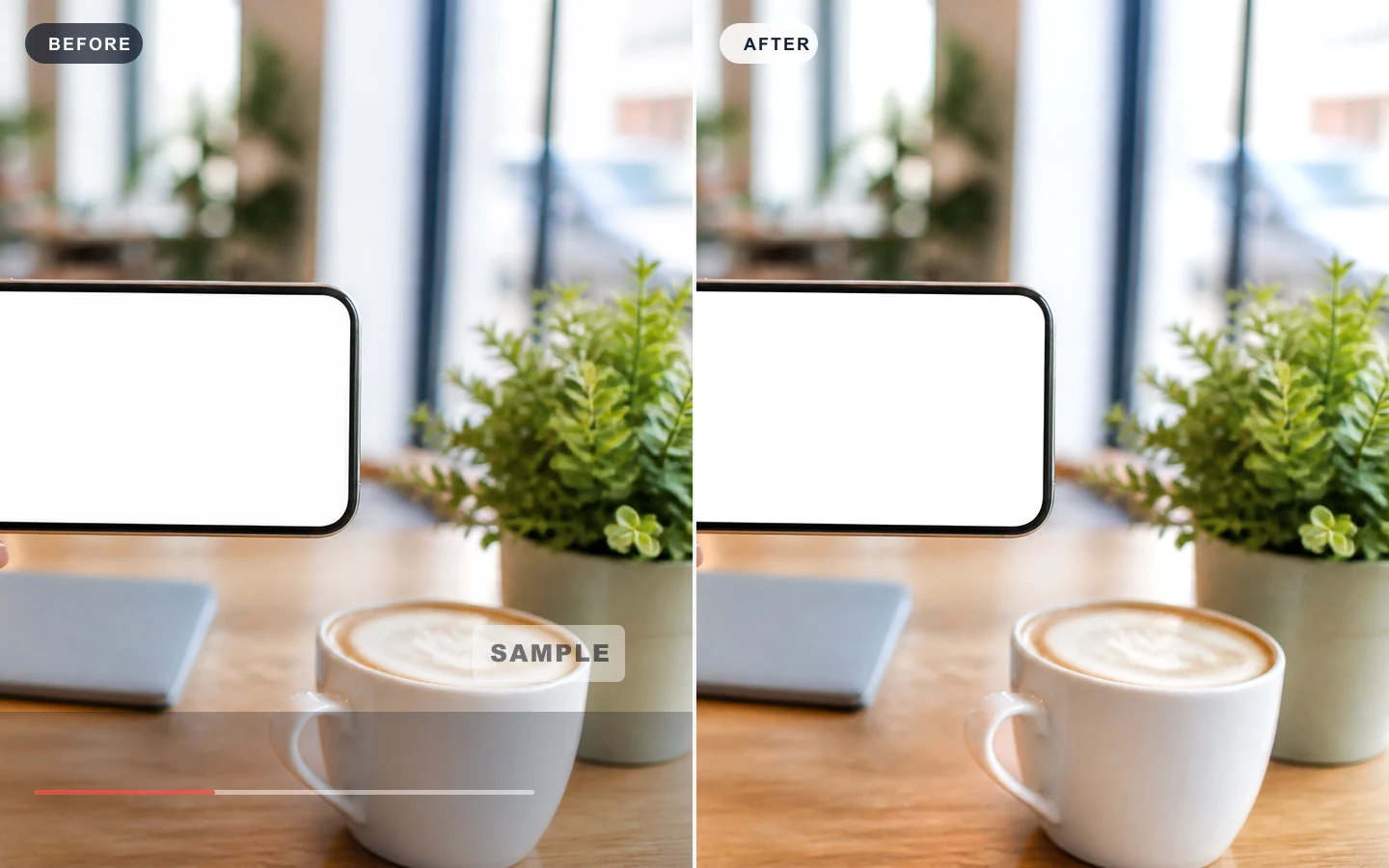
With our online watermark remover, you can preview the result before downloading. Upload an image and see how AI removes unwanted watermark marks while helping reduce blur, smudging, and obvious cleanup traces. It is built for photos, product images, screenshots, and social visuals with textured backgrounds or low contrast overlays.
Before
After
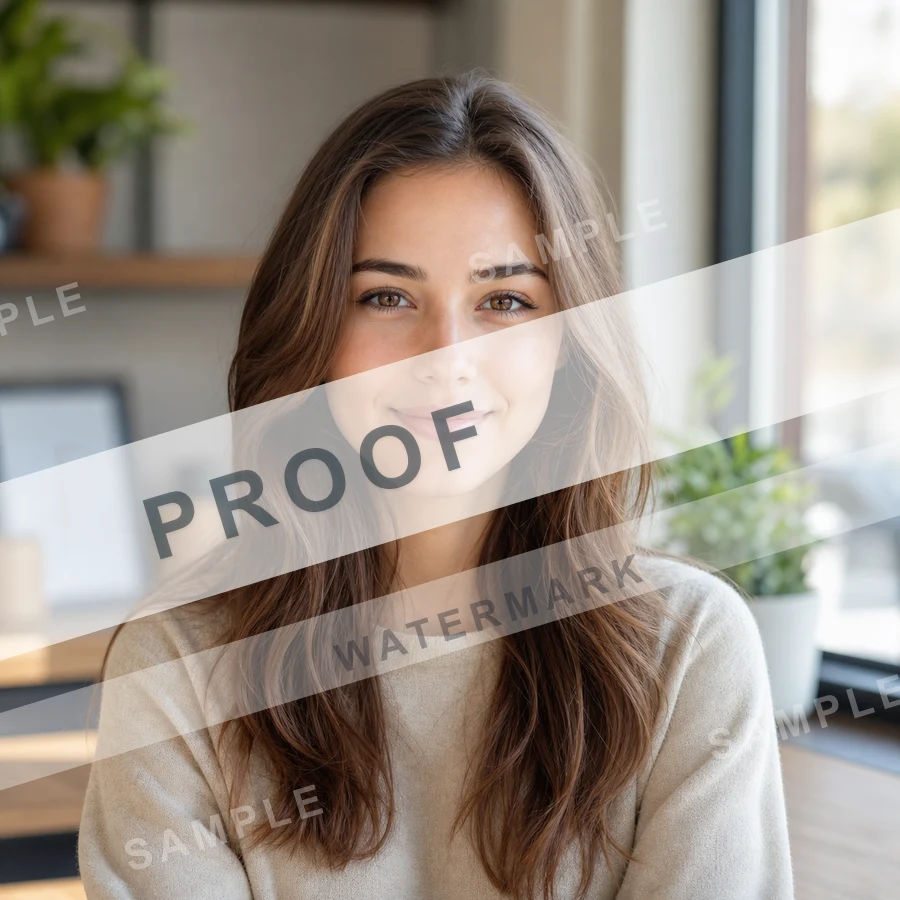
Remove Watermark from Face Photos
Clean photo watermarks while keeping facial details natural.
Before
After
Clean Nature and Travel Photos
Remove image watermarks from skies, trees, paths, and water.
Before
After
Product Image Watermark Remover
Clean sample marks, proof text, and repeated overlays from product visuals.
How to Remove Watermark from Photo Online
To remove watermark from photo online, upload your image first. AI Auto Mode detects logos, text marks, timestamps, proof labels, and repeated overlays, then clears the selected area. If you need more control, use Manual Brush to mark the watermark yourself. Preview the cleaned image and download the result when it looks right.
1
Upload your image
Choose a photo, product image, screenshot, or social media visual from your device.
Use JPG, JPEG, PNG, WEBP, or AVIF files up to 10 MB.
Pick an image you own or have permission to edit.
After upload, review the preview before starting cleanup.
2
Let AI detect the watermark
AI Auto Mode finds watermark text, logos, timestamps, proof marks, and overlay patterns.
The tool looks for repeated marks, proof labels, corner logos, and light text overlays.
Use automatic cleanup for clear watermark areas on photos, screenshots, and product images.
If a mark sits near a face, edge, or detailed texture, switch to manual selection for more control.
3
Download the result
Preview the cleaned image and download a cleaner result for reuse.
Check the cleaned area for blur, repeated texture, or missed marks.
Run another pass if the watermark is large, low contrast, or spread across the background.
Download the final image once the preview looks natural.
Remove watermark from photo
Remove watermark from photo, product image, screenshot, or social visual
Remove watermark from photo online
Upload a photo and use AI to clean visible watermark marks, sample stamps, proof labels, and repeated overlays from images you own. AISuperRemover works as an online photo watermark remover when you need a cleaner version for a post, presentation, portfolio, or design draft.
Remove watermarks from photos
Use the photo watermark remover for portraits, travel shots, lifestyle images, and old pictures with date stamps, text marks, proof overlays, or repeated watermark patterns. AI Auto Mode helps detect the marked area and rebuild nearby pixels so the photo still looks natural.
Remove text labels, logos, and timestamps
Clean timestamps, captions, old labels, proof text, small logos, and overlay words from images you have permission to edit. Manual Brush is useful when you need to remove watermark from image areas with more precise selection.
Clean screenshots and social images
Screenshots, story graphics, chat images, profile pictures, and social media visuals often include watermarks, stickers, reaction labels, or small overlay marks. Upload the image, let AI detect the mark, preview the cleanup, then download a cleaner version.
Handle low contrast watermark areas
Some watermarks blend into walls, fabric, skies, product surfaces, or textured backgrounds. The AI watermark remover can help rebuild nearby pixels and keep edges softer than a simple blur, crop, or clone-stamp edit.
Remove watermark from product images
Prepare ecommerce product images, marketplace photos, catalog assets, and campaign visuals by cleaning sample labels, proof marks, repeated overlays, temporary text, and background watermark patterns before export.
FAQ
Remove Watermark from Photo FAQ
Answers about how to remove watermark from photo online, use AI watermark remover tools, clean text marks, logos, timestamps, and proof labels, choose automatic or manual cleanup, and edit images responsibly.
What is the best way to remove watermark from photo online?
The fastest workflow is to use an online AI watermark remover: upload your photo, let AI detect visible logo marks, text overlays, timestamps, proof labels, or repeated patterns, preview the cleaned area, and download the result. Use Manual Brush if the watermark is small, close to a face, or blended into a detailed background.
How do I remove watermark from photo?
Upload a JPG, JPEG, PNG, WEBP, or AVIF image, choose automatic detection or Manual Brush, mark the watermark area if needed, then apply AI cleanup. Review the preview before downloading so you can run another pass if a mark is large, low contrast, or spread across the background.
Can I remove watermark from photo for free?
You can start with the free online watermark remover workflow for quick photo cleanup. Any current file size, usage, credit, or export limits are shown in the product interface, so the page does not promise unlimited free watermark removal.
Can AI remove watermarks from photos?
AI can help remove watermarks from photos when the surrounding area has enough color, texture, and background detail to rebuild the selected region. Results depend on image quality, watermark size, opacity, placement, lighting, and edge complexity.
Can I remove a watermark without Photoshop?
Yes. AISuperRemover works in your browser, so you can remove watermark from photo files without Photoshop, desktop editing software, or a mobile app. Upload the image, use AI Auto Mode or Manual Brush, preview the cleanup, and download the result.
Is this an app to remove watermark from photo?
This is an online tool, not a phone-only app. You can use it as an app alternative to remove watermark from photo files in a browser on desktop or mobile, with no separate installation required.
Can I remove text, logo, or timestamp watermarks?
Yes. You can clean text watermarks, logo overlays, date stamps, timestamps, captions, sample text, proof labels, product labels, and repeated overlay words from images you own or have permission to edit.
Can I use it as a product image watermark remover?
Yes. The product image watermark remover workflow can clean sample labels, proof marks, temporary text, repeated overlays, and background watermark patterns from ecommerce photos, marketplace images, catalog assets, and campaign visuals you are allowed to edit.
Can I batch remove watermarks from images?
This page is optimized for quick single-image cleanup. If you need a batch watermark remover for multiple images, use the batch workflow when available in the product so each photo can be processed with the right mode and review step.
Can I remove watermarks from stock photos or proof images?
Only remove watermarks from images you own, created yourself, or have permission to modify. Do not use a watermark remover to bypass copyright, licensing rules, paid stock photo protections, proof gallery rules, creator attribution, or platform terms.
Remove Watermark from Photo Online Free | AI Watermark Remover